%202%20(1).png?width=55&height=58&name=Group%20(4)%202%20(1).png)
Step 1:
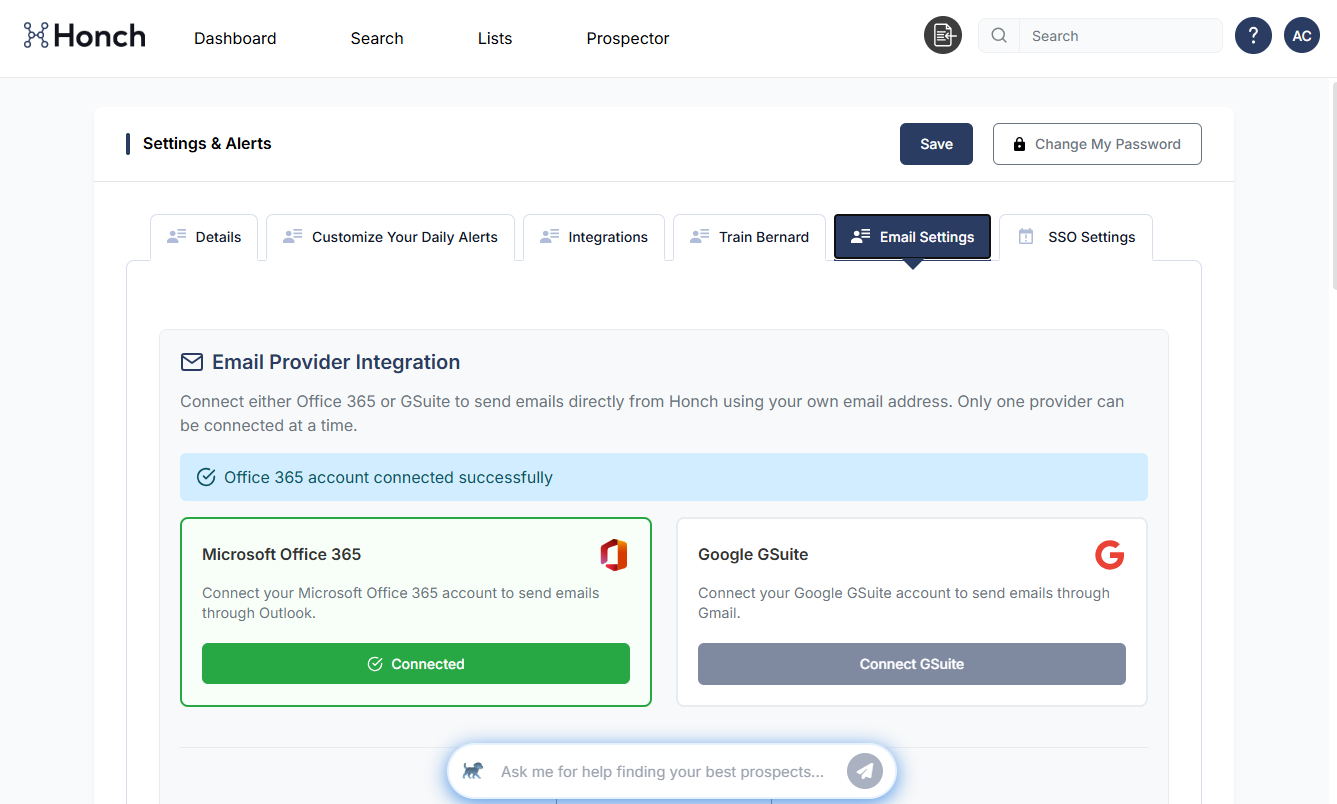
Under your Account Settings click on the Email Settings tab and you'll see this:
.png?width=666&height=406&name=image%204%20(4).png)
You can connect either a Microsoft or Google email address to the platform by clicking on either option. You'll get a pop-up asking permission, and once granted your screen will change to this:
Step 2:
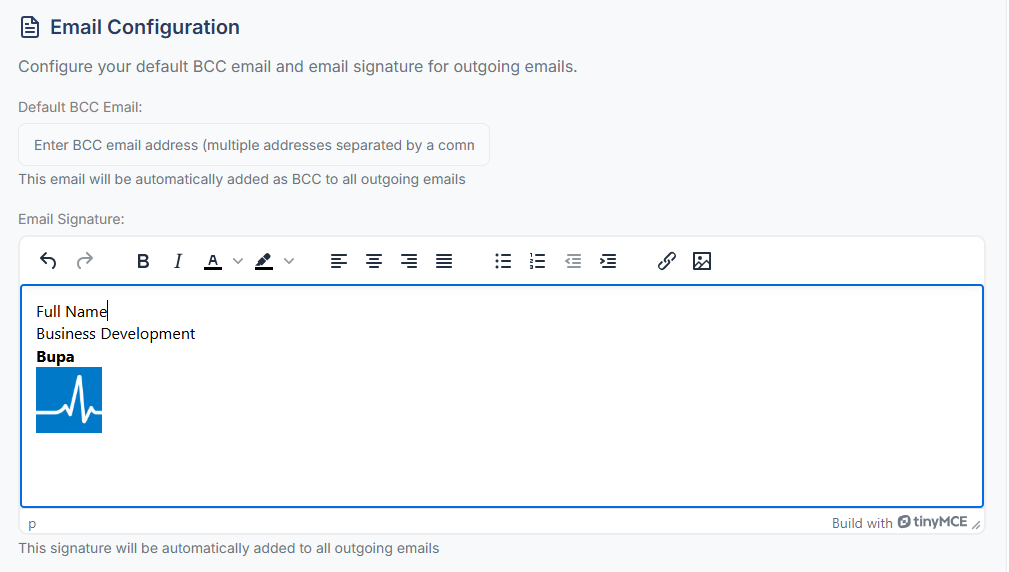
You can add a signature or hardcode a BCC email here. Logos can be resized or links added as you would in Outlook or Gmail:
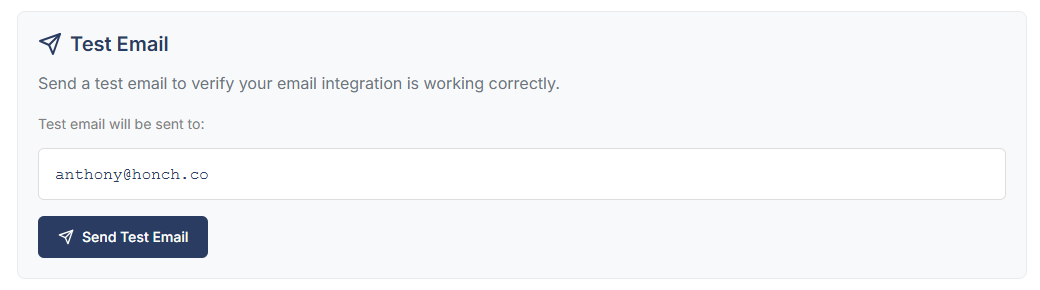
Run a test to ensure everything is connected properly and you're ready to start prospecting:
Step 3:
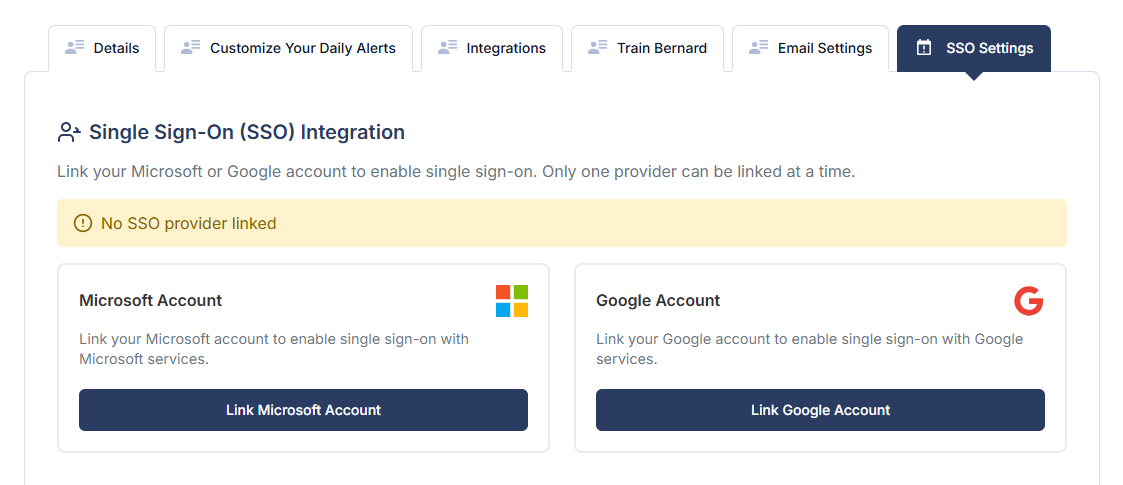
Important: Once your email is connected, we recommend that every user uses SSO to protect all of their own data. This will mean that you start logging into Honch with your Microsoft or Google account (and not username and passwords).
Click on SSO Settings Tab:and simply click on either option to secure your account: